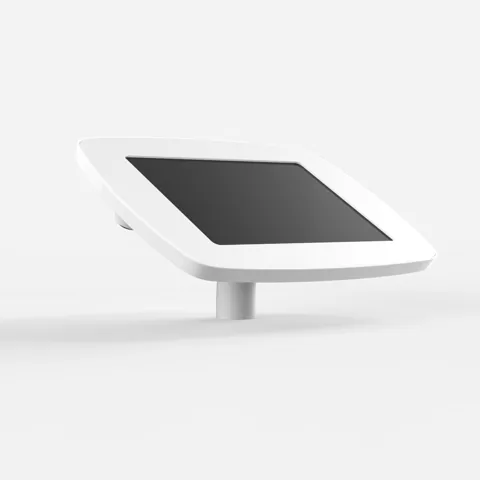
Desk Mount
Original Desk
Bolted through the reception desk
Fixed through the desktop and angled at the visitor. The usual choice where reception is staffed and the kiosk is there to take the routine sign-ins off them.
EntryWatch runs on a tablet you may already own. These are the two things that turn one into a reception kiosk: something to hold it where visitors can reach it, and something to print a badge. Here is the range — then build the one you need.
Build your kiosk →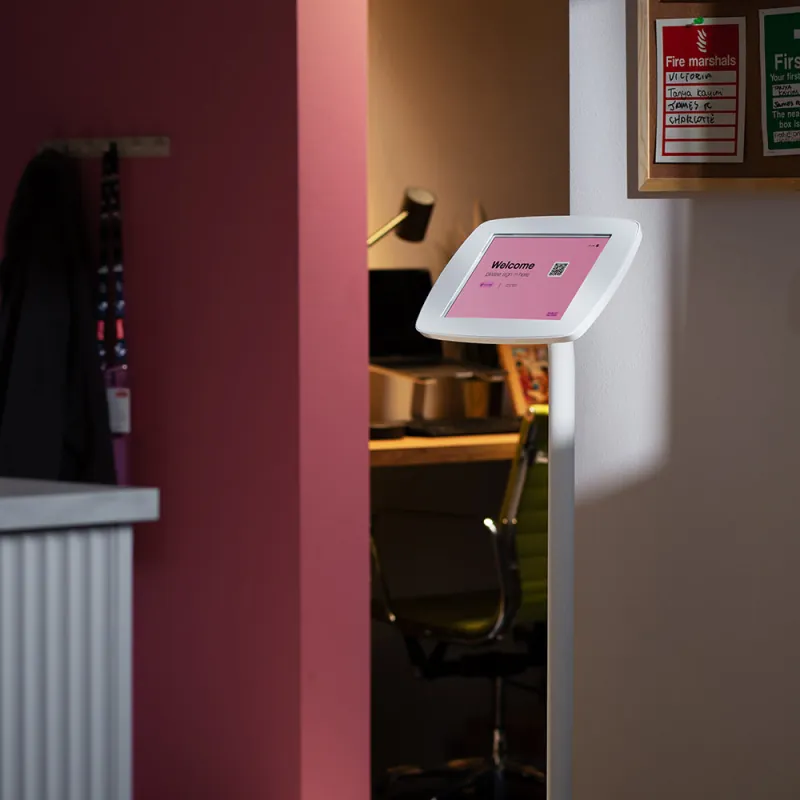
01
A sign-in kiosk stands in the eyeline of everyone who walks through the door, which makes it part of the reception rather than a piece of equipment in it. The Original range is the one in airports and high-end retail: one moulded enclosure, no visible fixings, nothing bolted on afterwards.
02
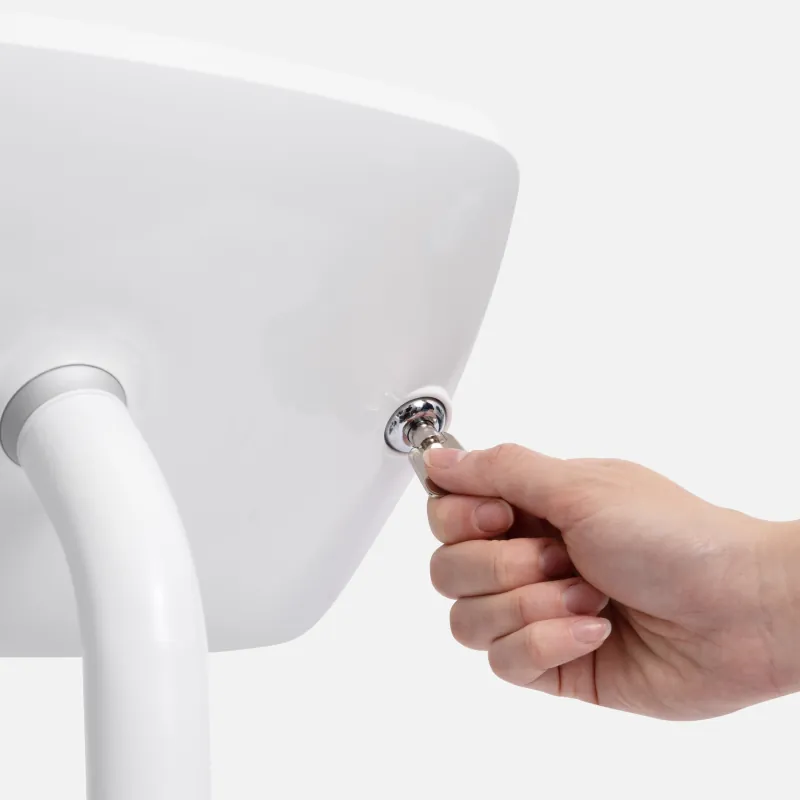
A steel faceplate over an aluminium frame, closed with a key. The tablet cannot be lifted out, the home button and ports stay covered, and the kiosk stays on EntryWatch rather than on whatever the last visitor opened.
03
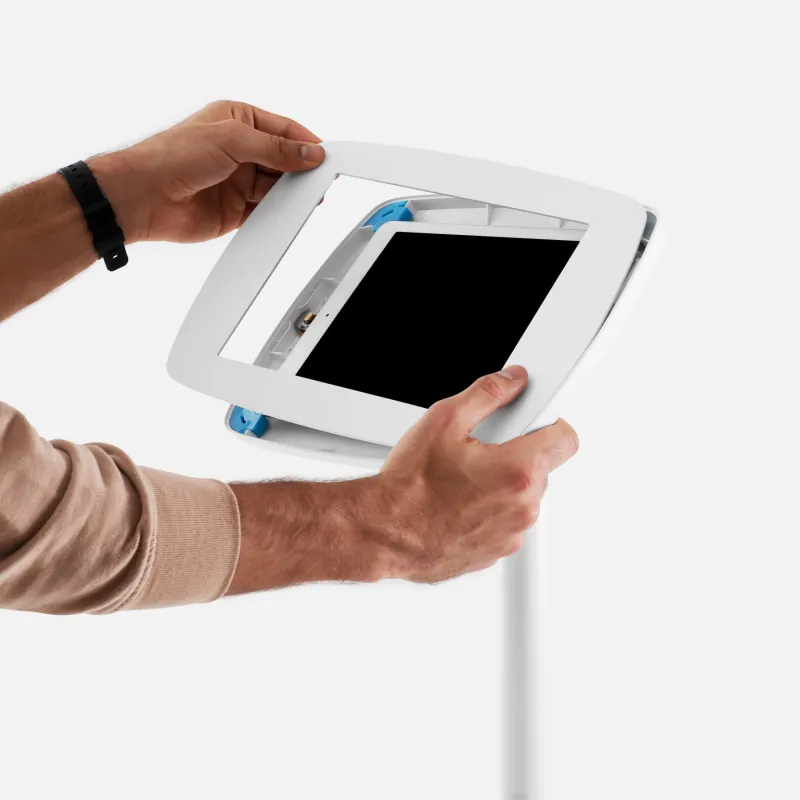
The faceplate is made for one device and one generation. Tell the builder below which tablet you have and it only offers enclosures that take it — an iPad Air 11" and an iPad Air 13" are not the same order, and finding that out on delivery day is expensive.
04
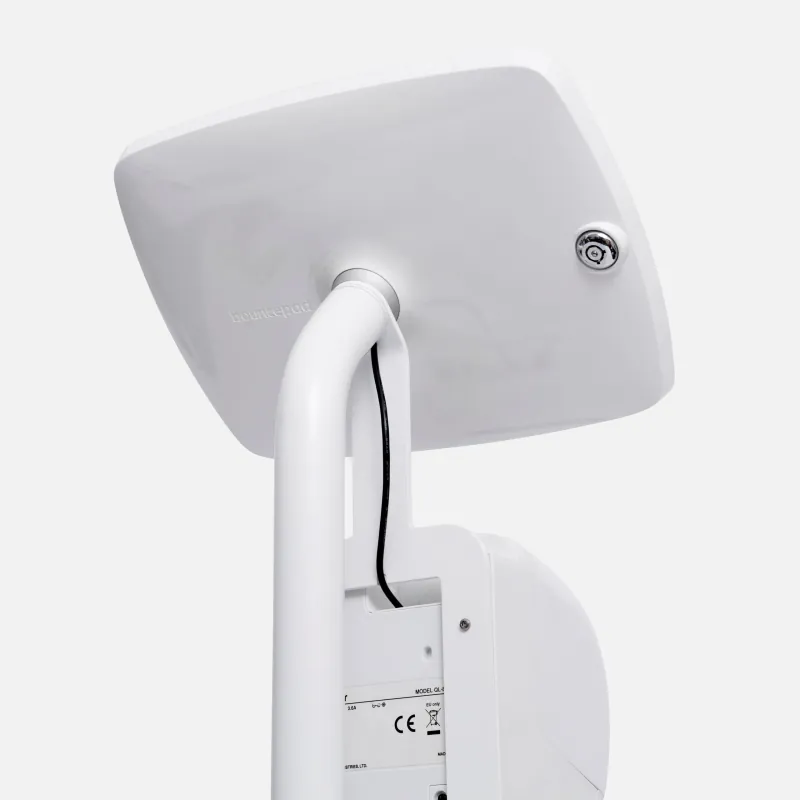
The charging lead runs inside the post and out at the base: one cord to one outlet, nothing across the floor to trip over, and nothing loose for a visitor to unplug while they are waiting.
The range
Bouncepad Original — 9 models, black or white
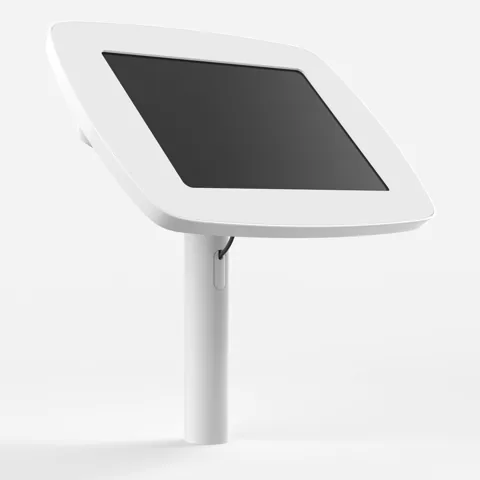
Bolted through the reception desk
Fixed through the desktop and angled at the visitor. The usual choice where reception is staffed and the kiosk is there to take the routine sign-ins off them.
Desk mounted, and it turns
The same fixing as the Desk, on a rotating head. For a shared counter where the same tablet has to face a visitor, then the receptionist, then back.
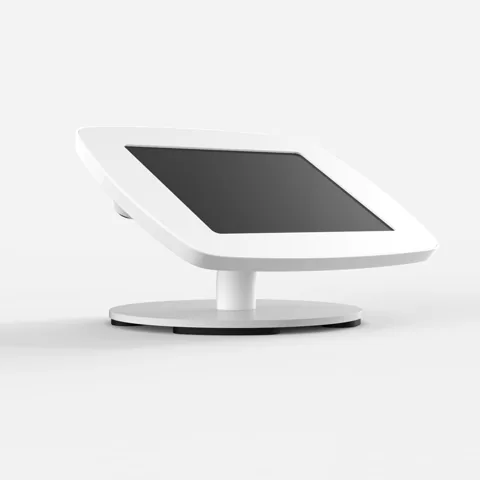
Sits on the counter, nothing drilled
A weighted enclosure that stands on the surface. The one to pick in a leased office, a heritage building, or anywhere the counter cannot be drilled — and the one to pick if the kiosk might move.
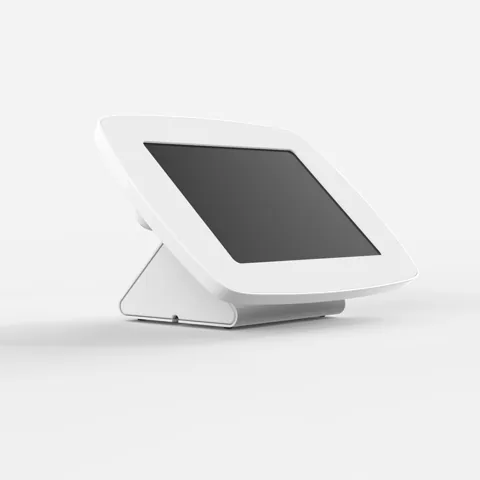
Freestanding, and it turns to the visitor
A freestanding enclosure on a rotating base — hand the screen round for a signature or a document, then turn it back. Popular where contractors sign inductions at the desk.
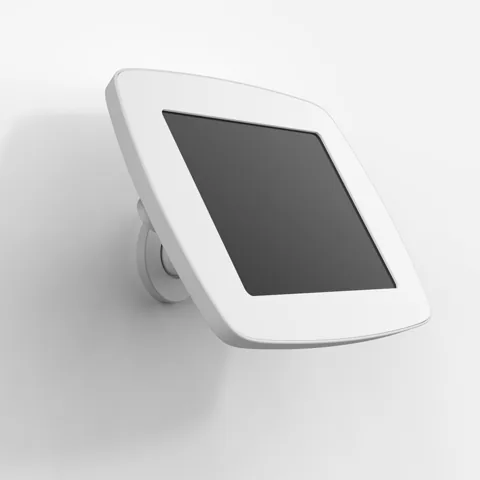
Where floor space is the constraint
Fixed flat to the wall beside a door or a turnstile. The tidiest option in a corridor or an airlock, and the one that survives a busy loading bay.
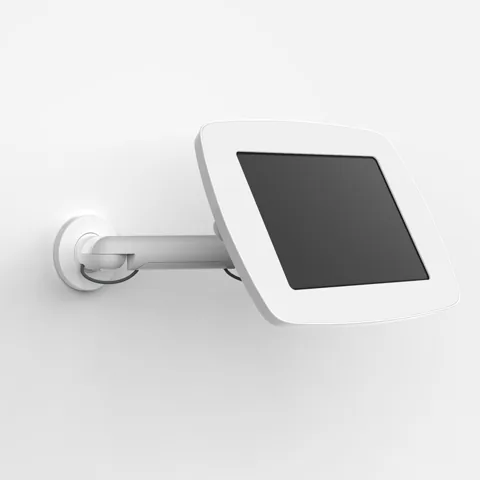
Wall mounted on an arm that moves
A wall mount on an adjustable arm, so the screen can be pulled out and angled. For a wall that is not quite where the visitor stands, and for reaching both a standing adult and a wheelchair user.
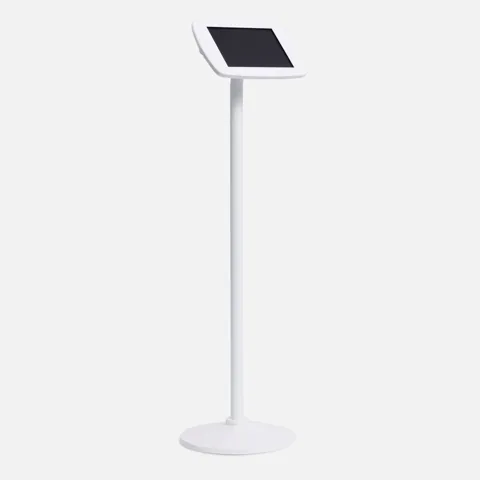
A sign-in point where there is no desk
A weighted floor stand that puts the kiosk at standing height in a lobby, a site entrance or a warehouse door. Cabling runs inside the post, so there is nothing to trip over and nothing to unplug.
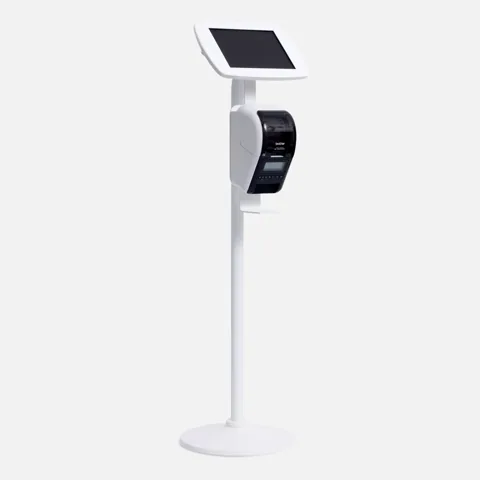
The whole reception, in one thing to buy
The floor stand with a shelf for the Brother printer built onto the post. A visitor signs in and the badge prints beside them — no desk, no separate table, one power run.
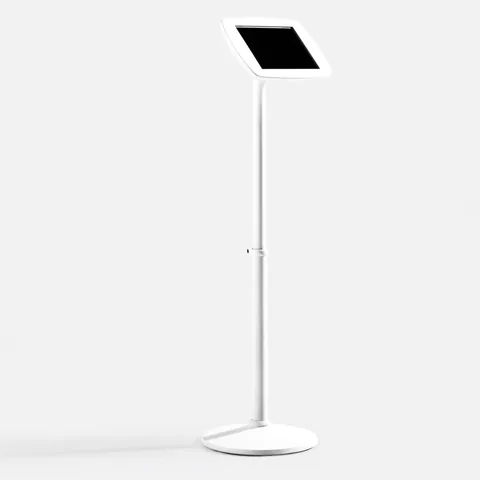
Floorstanding, height adjustable
The floor stand on an adjustable column. Worth the difference where one kiosk has to serve visitors of very different heights, or where the same stand moves between a lobby and a workshop.
Badge printers
Thermal, so the label is the only consumable — no ink, no toner, nothing to run dry mid-morning. One printer over Wi-Fi or Ethernet serves several kiosks.
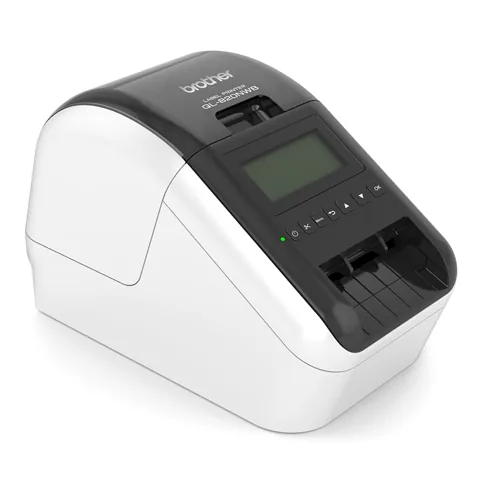
Brother
QL-820NWB
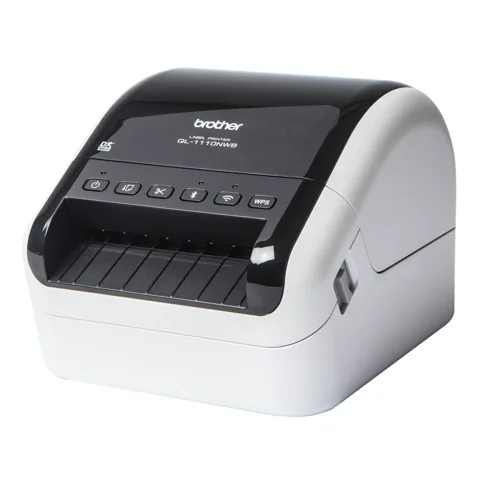
Brother
QL-1110NWB
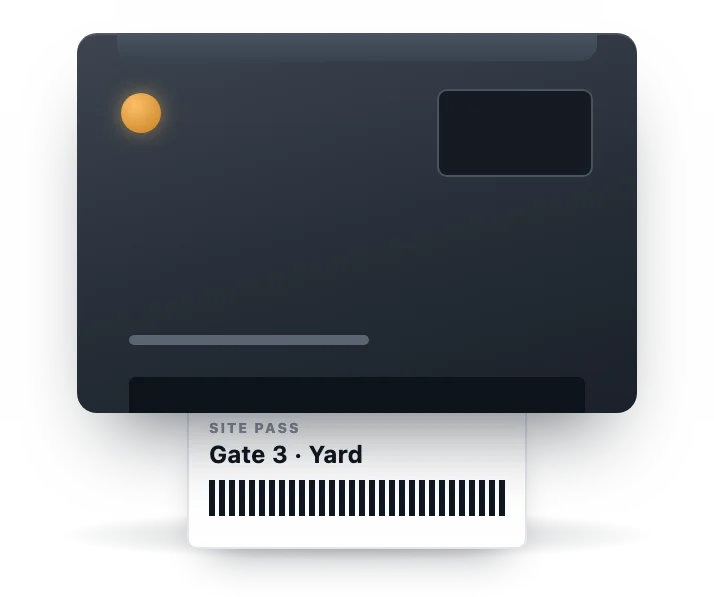
Zebra
ZD421
Answer a few questions and we will work out what fits. Add as many combinations as you have doors.
EntryWatch runs in the browser on iPadOS, Android and Windows. If you already have one, we will only offer stands that are cut for it.