%20--%3e%3cdefs%3e%3cstyle%3e%20.st0%20{%20fill:%20none;%20stroke:%20%230f172a;%20stroke-linecap:%20round;%20stroke-width:%205.5px;%20}%20.st1%20{%20fill:%20%2310b981;%20}%20%3c/style%3e%3c/defs%3e%3cpath%20class='st0'%20d='M2.75,42.01v-20.12C2.75,11.32,11.32,2.75,21.89,2.75s19.14,8.57,19.14,19.14v20.12'/%3e%3cpath%20class='st0'%20d='M14.12,42.01v-13.62c0-4.29,3.48-7.78,7.78-7.78s7.78,3.48,7.78,7.78v13.62'/%3e%3ccircle%20class='st1'%20cx='21.89'%20cy='11.74'%20r='4.98'/%3e%3c/svg%3e)
Visitor Badge Printing for Facilities: SIA Design & Hardware Rollout
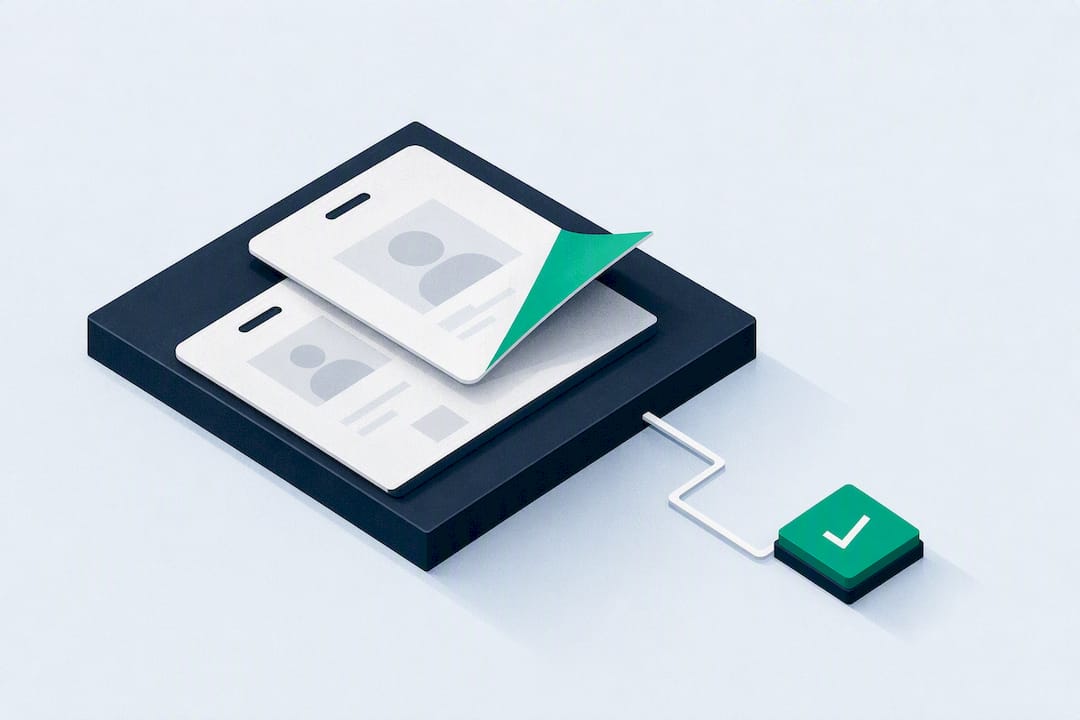
Visitor badge printing is the part of a visitor management system that turns an approved sign-in into a physical, time-bound credential linked to that visitor’s record. The core rule is simple: print a legible badge with a photo where lawful, the visitor’s name, their host, the site or zone, and a clear expiry, and leave off anything you don’t need. A platform like visitor management software handles this at the kiosk, generating expirable badges the moment a visit is approved.
TL;DR:
- Badge printing should be triggered after visitor approval or host confirmation to prevent unauthorized access and ensure accurate record linking.
- Physical badges need clear, high-contrast design, minimal graphics, and essential information only, with added security features like tamper-evident labels or expiring materials.
- Time-bound badges automatically deactivate after a set period, reducing risks of reuse or passing, especially valuable during emergencies for accurate headcounts.
- Printer choice depends on site volume and badge reuse needs, with thermal, card, or desktop printers fitting different environment demands.
- Integration with access control and evacuation systems ensures badges track real-time visits and support safety measures during emergencies.
Table of Contents
- What Should a Visitor Badge Actually Print?
- How Does Badge Printing Fit Into Sign-In?
- Why Do Time-Bound Badges Matter for Security?
- Matching Printers and Kiosks to Your Site
- Rolling Out Badge Printing: A Step-by-Step Checklist
- How EntryWatch Approaches Badge Printing and Evacuation Safety
- See How EntryWatch Handles Badge Printing on Your Site
- Sources
What Should a Visitor Badge Actually Print?
A badge only works if security staff and employees can read it at a glance and confirm it’s still valid. That means the design matters as much as the data behind it.
At minimum, a badge needs a photo (where local law allows it), the visitor’s full name, the host’s name, the date and time of issue, and a clear expiry or validity window. Add the visitor category or zone (contractor, delivery, VIP, general visitor) so staff can spot access boundaries without checking a screen, plus a badge number or unique ID for audit purposes. Contractors and high-clearance guests sometimes need extra fields: employer name, clearance level, or an “escort required” flag.
Design principles matter more than most templates admit:
- Use high contrast and large fonts. Staff need to read a badge from a practical distance to ensure legibility.
- Keep graphics minimal. Logos and decoration compete with the information that actually matters.
- Print “VISITOR” prominently, in a size that reads instantly across a lobby.
- Skip personal contact details entirely. Home addresses and phone numbers have no business on a badge that strangers can see.
The SIA Corporate Credential Design Guide backs this approach directly: badges should be highly visible, clearly marked as “Visitor,” printed without unnecessary personal details, and built to expire. A QR code linked to the visitor’s record, validated server-side, gives you traceability without printing anything sensitive on the badge itself.
How Does Badge Printing Fit Into Sign-In?
Printing isn’t a standalone step. It’s triggered at a specific point in the sign-in flow, and where that point sits changes based on the visitor’s risk level and whether they registered ahead of time.
- Pre-registration. A host sends a QR invite before the visit. The visitor scans it at the kiosk; the system pulls their pre-filled record, and the badge prints in seconds.
- Kiosk or reception sign-in. A walk-in visitor completes sign-in on a kiosk or with reception’s help. The badge prints once required fields (name, host, purpose) are captured.
- Host approval. For higher-risk zones, the system holds the print until the host confirms the visit. No approval, no badge.
- Conditional checks. Watchlist screening or ID verification can gate the print for sensitive sites, with zone-based templates adjusting what gets printed based on where the visitor is headed.
- Reprint or cancellation. Lost badges get reissued under a new event; canceled visits revoke the original. Every print, reprint, and cancellation maps to an auditable record: which user triggered it, on which device, at what time, tied to which visitor ID.
None of this happens in isolation. Badge printing typically connects to access control systems, gate scanners, and evacuation roll-call tools, so a printed credential and a system-tracked entry always agree with each other. A visitor badge printing system works precisely because it converts an approved record into a scannable credential rather than a disconnected paper slip.
Why Do Time-Bound Badges Matter for Security?
Badges that never expire get reused, passed around, or forgotten in a jacket pocket for six months. Time-bound credentials solve that by design: once the validity window closes, the badge stops signaling “authorized,” whether or not anyone remembers to collect it.
Physical expiry adds a layer that doesn’t depend on software. Self-expiring label stock uses a folded flap that triggers a chemical color change, often a visible “VOID” pattern, after a set number of hours. It works even if the network goes down, which matters more than most teams expect during an outage. Tamper-evident labels serve a similar purpose: any attempt to peel or reuse the badge leaves a visible mark, so staff can spot a compromised credential without scanning anything.
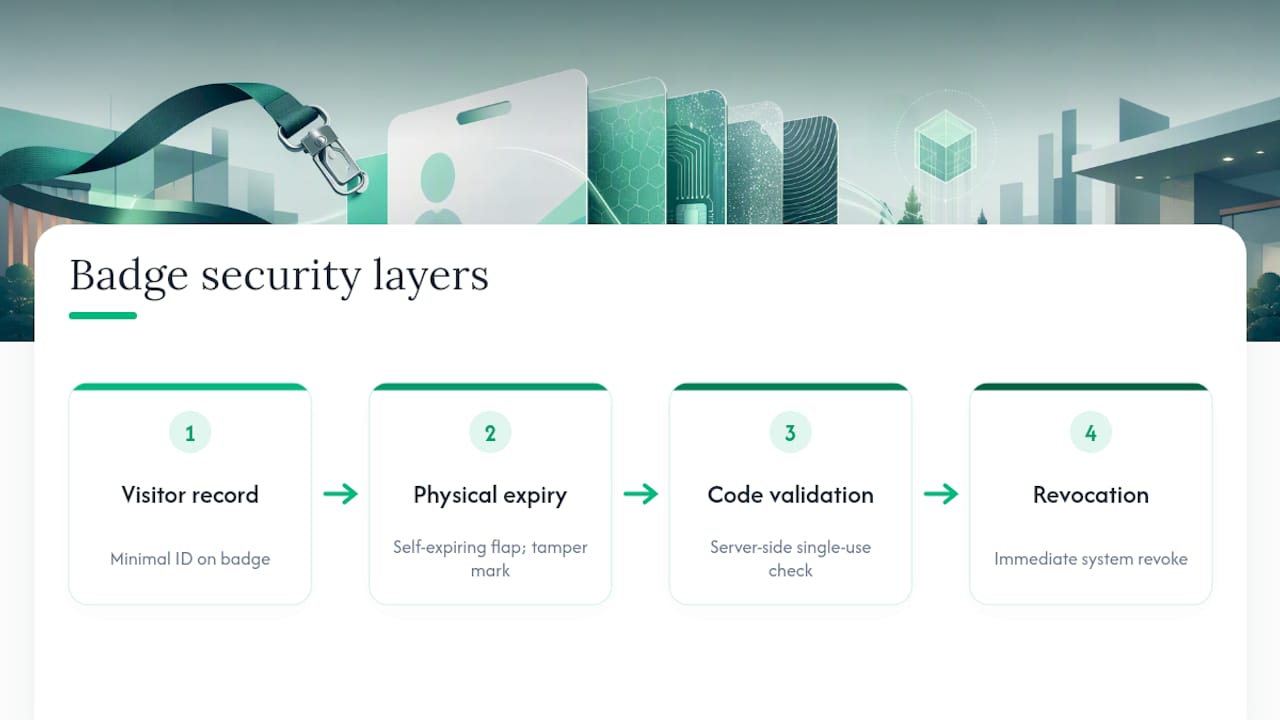
QR and barcode security deserves the same discipline. Codes should validate against the visitor’s record server-side, activate for single use, and never carry sensitive data in the visible payload itself. If someone photographs the code, that photo should be useless once the original activates.
Pro Tip: Pair digital revocation with physical expiry. When a visitor signs out early, revoke the badge in the system immediately, don’t just wait for the printed expiry to lapse. That way, a lost or stolen badge fails on two fronts, not one.
Data minimization applies here too. The visitor’s full record, including contact details and visit history, lives in the visitor management audit trail. The badge itself only needs enough information to identify the person visually and confirm the visit is still active.
Matching Printers and Kiosks to Your Site
Printer choice depends less on brand preference and more on how the badge gets used after it’s printed. A logistics dock churning through fifty deliveries a day has different needs than a healthcare front desk issuing badges to family members for a two-hour visit.
Three printer types cover most workplaces:
- Thermal label printers print adhesive passes fast and cheap, ideal for high-volume, single-use badges that get thrown away at day’s end.
- Card printers produce durable, reusable badges, worth the extra cost for contractors or repeat visitors who come back weekly.
- Desktop printers handle simple paper passes for lower-security sites where a stapled visitor slip has always been enough.
Kiosk setup adds its own checklist. Confirm platform support for iPad or Android, decide between network and USB printing based on your site’s connectivity, and set device permissions so a kiosk failure doesn’t block sign-in entirely. EntryWatch’s kiosk hardware options cover most of these combinations out of the box.
Supplies planning is easy to underestimate. Track label stock (including self-expiring rolls), ribbons, and consumables the same way you’d track any other operational inventory, not as an afterthought when the printer runs dry mid-morning. Before going live, run three acceptance tests: legibility from ten feet, QR readability with a standard scanner, and confirmation that every print generates an auditable event in the system.
Rolling Out Badge Printing: A Step-by-Step Checklist
A badge printing rollout fails more often from skipped steps than from bad hardware. Here’s the sequence that holds up across offices, logistics sites, and healthcare facilities alike.
- Define templates by visitor type. Guests, contractors, delivery drivers, and VIPs each need a distinct layout with only the fields relevant to that role.
- Procure hardware and configure kiosks. Match printer type to volume, set network or USB printing, and lock down user permissions so only authorized staff can override print settings.
- Run privacy and policy checks. Confirm what’s printed against your policy, set retention rules for the digital record, and define what triggers automatic sign-out and badge revocation.
- Train staff and pilot at one site. Test failure modes, what happens during a power or network outage, before rolling out chainwide.
- Verify evacuation integration. Confirm that badge data feeds the roll-call system correctly, since this is the one moment printed badges and live records absolutely must agree.
Template-driven printing on reliable, on-demand printers reduces front-desk delays at high-throughput sites, and mission-critical locations should always confirm a successful print before letting anyone through the door. Reception staff also benefit from clear escalation procedures when a badge fails to print or a visitor can’t be verified. Guard Select’s reception security procedures offer a useful reference for building that kind of staff training into your rollout.
How EntryWatch Approaches Badge Printing and Evacuation Safety
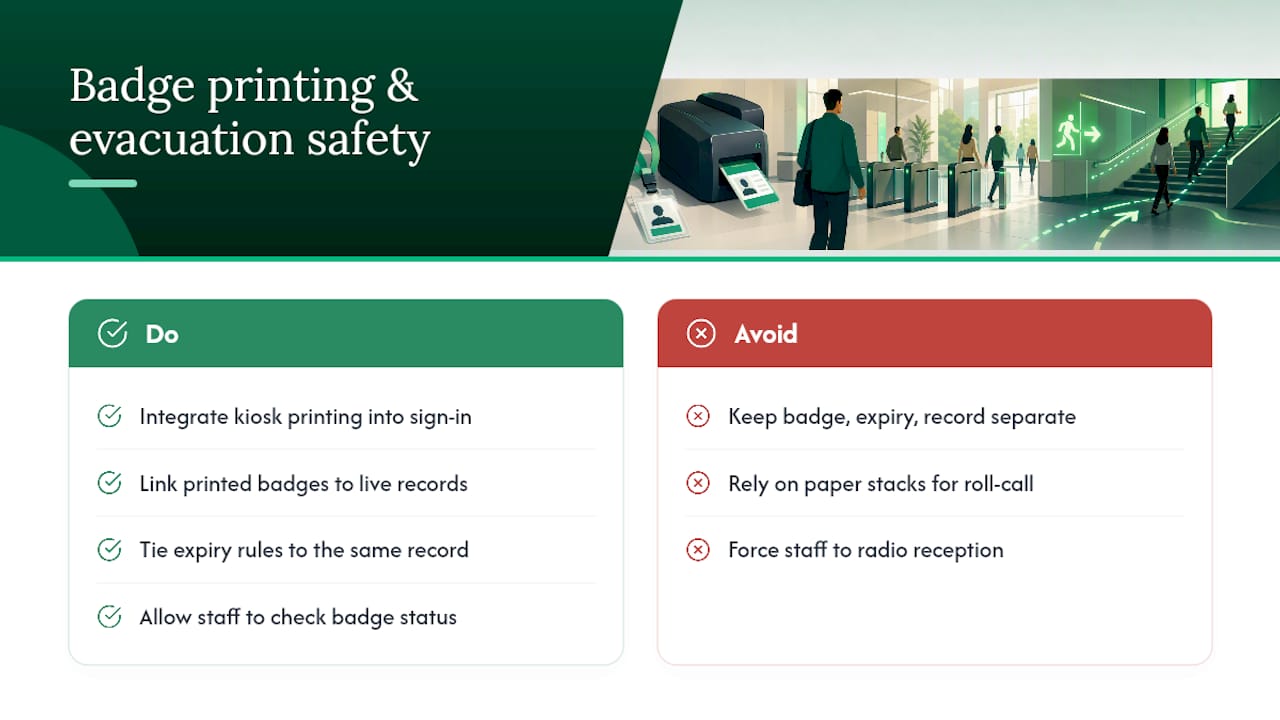
Badge printing only earns its keep when it connects to something bigger than the front desk. Some visitor management systems build kiosk-driven printing directly into their sign-in workflow, so a printed badge, an expiry rule, and a live visitor record all originate from the same approved entry, not three separate systems that have to be reconciled later.
That connection matters most during an emergency. Because every printed badge maps to a record in EntryWatch’s evacuation roll-call system, wardens get an accurate headcount instead of a stack of paper that may or may not reflect who’s still on site. Linking the physical credential to the live record also cuts down on false positives during security checks, since staff can confirm a badge is still active without radioing reception to ask.
— Flipmind
See How EntryWatch Handles Badge Printing on Your Site
If you’re evaluating a visitor management platform for badge printing, run it through a short checklist during the demo: does it support kiosk printing out of the box, can badges expire automatically, does every print generate a searchable audit log, and does it notify hosts the moment their visitor arrives? Confirm hardware compatibility with your existing printers before you commit to anything.
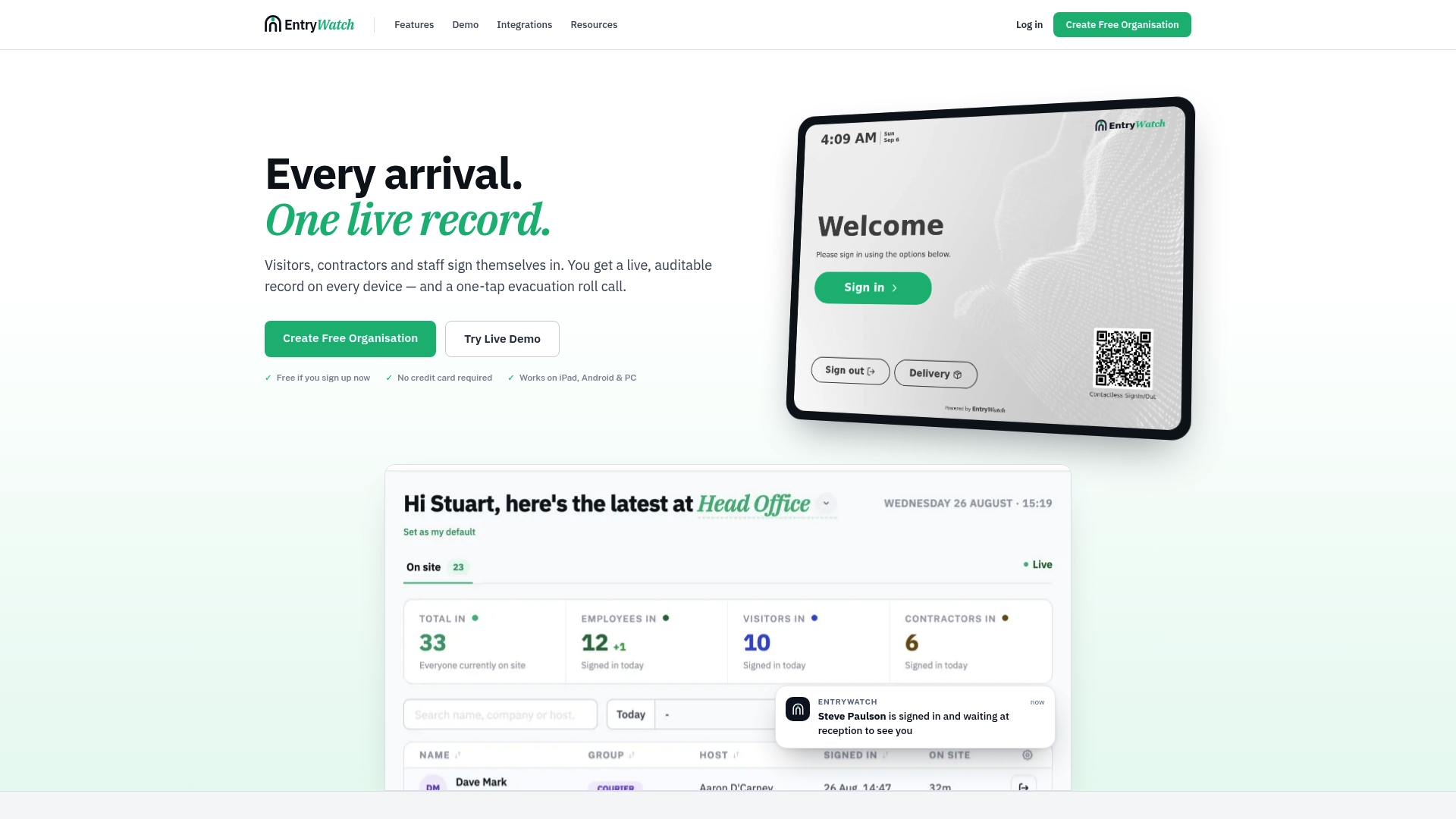
Visitor management platforms provide operations teams with ways to print time-bound, minimal-data badges without stitching together separate kiosk, printer, and record-keeping systems. Where a generic printer setup leaves you manually matching paper badges to a sign-in log, EntryWatch’s visitor management system keeps the printed badge, the expiry, and the audit trail tied to one record from the moment a visitor checks in. Explore EntryWatch’s visitor badge features and supported kiosk hardware to see what fits your site, then book a demo to test the printing workflow against your own visitor volume.
Sources
- Visitor Badge Printing System: QR Passes, ID Badges & Secure Entry (2026) | VMS Blog
- Visitor Badge Printing Solutions for Temporary IDs | IDP Americas